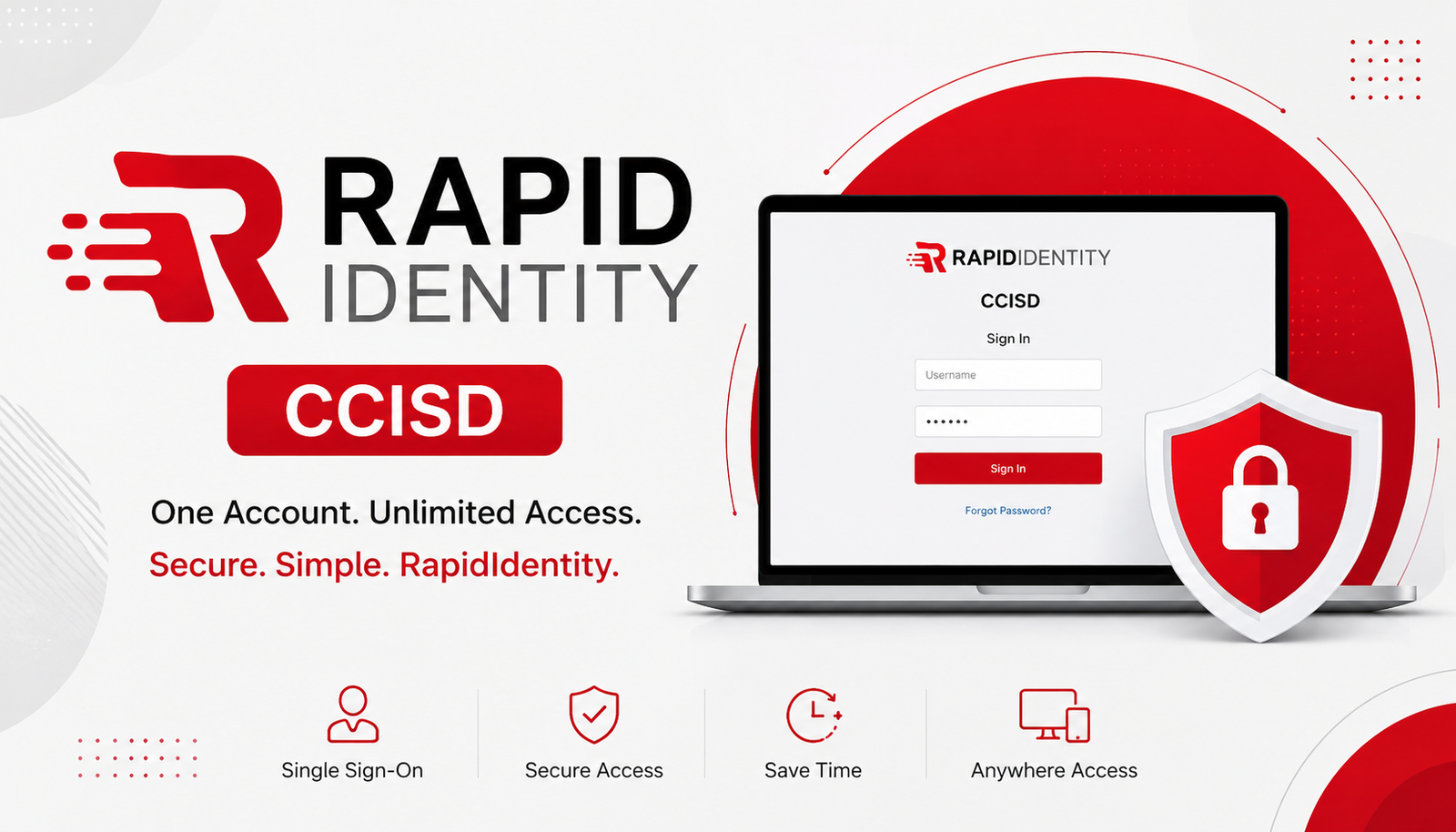
If you are searching for RapidIdentity CCISD, you are probably trying to do one of two things: log in to your school account or understand how RapidIdentity gives students and staff access to digital applications.
RapidIdentity is an identity and authentication platform used by educational organizations to provide secure access to online resources. Its capabilities include single sign-on (SSO), different authentication methods, and user-specific application access.
One important detail is that CCISD can refer to more than one Texas school district. Clear Creek Independent School District uses the ccisd.net domain and provides a “CCISD Single Sign-On” option from its website, while Corpus Christi Independent School District uses ccisd.us and maintains its own online resources, including Home Access Center.
This guide explains how RapidIdentity works, how students and staff can approach the login process, what to do when an application is missing, and how to troubleshoot common access problems.
What Is RapidIdentity CCISD?
RapidIdentity is an identity and access platform designed to help schools manage authentication and access to digital resources.
Instead of requiring users to manage separate credentials for every supported application, a school district can use RapidIdentity as a central authentication layer. RapidIdentity describes its SSO capabilities as providing users with secure, one-click access to cloud-based systems.
For students, this can make it easier to reach learning resources from a central portal. For teachers and staff, it can provide access to district applications according to their role and permissions.
RapidIdentity also supports multiple authentication methods. Its documentation lists options such as passwords, TOTP, WebAuthn, QR codes, Duo authentication, and challenge questions. However, the exact methods available to a user depend on how the school or district has configured its authentication policies.
How to Log In to RapidIdentity CCISD
The exact login process can vary depending on which CCISD you attend or work for. Always use the official school district website or a verified district-provided portal rather than an unfamiliar third-party login page.
Step 1: Open the Official CCISD Website or Portal
Start from your district’s official website.
For example, Clear Creek ISD provides instructions for students accessing its Single Sign-On portal from home. Its official instructions tell students to visit the CCISD website and select Logins, followed by CCISD Single Sign-On.
Do not assume that a login URL found on a random blog is the correct portal for your account.
Step 2: Enter Your District Credentials
Enter the username and password provided by your school or district.
Check carefully for:
- Incorrect capitalization
- Extra spaces
- Wrong username
- An outdated password
- Using personal credentials instead of district credentials
Some RapidIdentity configurations can also use alternative authentication methods, depending on the policy assigned to the user.
Step 3: Complete Any Required Authentication
If your district has enabled an additional authentication method, complete the required verification.
RapidIdentity supports authentication policies that can be customized for different groups, including students, teachers, and administrators.
Not every CCISD user will necessarily see the same authentication screen.
Step 4: Open the Application You Need
After successful authentication, you may see a portal or application dashboard.
The available applications can depend on your account, role, or attributes. RapidIdentity’s application catalog supports role-based and attribute-based access controls.
For example, a teacher and a student could sign in successfully but see different applications because they have different permissions.
Step 5: Sign Out When Finished
If you are using a shared school computer, library computer, or another public device, sign out when you finish.
This simple habit helps prevent another person from accessing your account.
RapidIdentity CCISD Login at a Glance
| Situation | Recommended action |
| Need to log in | Start from the official CCISD website or district-provided portal |
| Forgot your password | Use the district’s approved password recovery process |
| Authentication fails | Check the authentication method and follow the official recovery process |
| Application is missing | Your account may not have permission for that application |
| Portal does not load | Check your browser and internet connection |
| New student or staff member | Follow the district’s account activation instructions |
| Shared computer | Sign out completely after using the portal |
RapidIdentity CCISD for Students
Students may use a district SSO system to reach approved educational resources without repeatedly entering separate credentials.
The exact applications available depend on the district’s configuration and the student’s account.
For example, imagine a student needs to access an online learning resource from home. Instead of searching for an unofficial login page, the student begins at the district website, chooses the appropriate login option, authenticates, and then opens the application available through the student’s account.
Clear Creek ISD’s official learning technology guidance specifically provides students with instructions for accessing its SSO portal from a home computer. It recommends current browsers such as Chrome or Microsoft Edge and provides a specific route through the district website.
Students should also remember that RapidIdentity is not necessarily the same thing as every student information system. For example, Corpus Christi ISD separately provides a Home Access Center for families to access student information online.
RapidIdentity CCISD for Teachers and Staff
Teachers and staff can also use centralized authentication to reach district applications.
The advantage is that access can be tailored according to the user’s role. A staff member may have access to applications that are not available to students.
Clear Creek ISD, for example, states that several employee forms are accessible through its Single Sign-On portal. Its employee resources also provide separate instructions for password resets and application-specific support.
If an employee successfully signs in but cannot find an expected application, that does not automatically mean the RapidIdentity login is broken. The application may simply require a different permission or role.
What Is RapidIdentity Single Sign-On?
Single sign-on, or SSO, allows a user to authenticate through one central identity system and then access supported applications without repeatedly entering separate credentials.
RapidIdentity describes its SSO platform as providing one-click access to cloud-based systems and supporting federation technologies such as SAML, OAuth, OpenID Connect, CAS, and others.
In simple terms, the process can look like this:
User → RapidIdentity authentication → Identity verified → Authorized applications
The technical process behind SSO can be complex, but users generally experience it as a simpler login process.
For schools, SSO can also make application management more organized because access can be connected to user identities and permissions.
RapidIdentity CCISD Password Reset and Account Recovery
If your password does not work, avoid repeatedly entering random passwords. Repeated failed attempts can make an account problem more difficult to diagnose.
Instead:
- Confirm that you are using the correct district username.
- Check whether Caps Lock is enabled.
- Use the district’s official password recovery option if one is available.
- Follow any identity-verification instructions.
- Contact the appropriate school or district support team if you cannot recover access.
The exact password-reset procedure is controlled by the district’s configuration, so instructions from one CCISD should not automatically be applied to another.
RapidIdentity itself supports authentication policies that can include password recovery and alternative authentication methods, but the options available to an individual user depend on the organization’s configuration.
Common RapidIdentity CCISD Login Problems
Login problems do not always mean the RapidIdentity platform is unavailable.
| Problem | Possible cause | What to try |
| Username rejected | Incorrect username | Verify your district username |
| Password rejected | Wrong or expired password | Use the official recovery process |
| Account unavailable | Account activation or access issue | Contact district/school support |
| Portal won’t open | Browser or network problem | Try another current browser |
| Application missing | Permission or role restriction | Ask the appropriate support team |
| Authentication fails | Verification method problem | Follow the configured recovery option |
| Login succeeds but service fails | Application-side issue | Check the application’s status/support |
Try These Basic Fixes First
Before contacting support, try:
- Rechecking your username and password
- Opening the portal in a current browser
- Trying another browser if permitted
- Checking your internet connection
- Closing and reopening the browser
- Clearing browser data when appropriate
- Confirming that you are using the correct district website
- Checking whether the problem affects only one application
If the issue continues, use the official support route provided by your district.
Why Can’t I See an Application After Logging In?
This is an important distinction: successful authentication does not necessarily mean that every application will appear in your dashboard.
RapidIdentity’s application catalog supports access controls based on roles and attributes. That means an administrator can configure an application to be visible only to particular users or groups.
For example:
A student signs in successfully but sees a student learning application.
A teacher signs in successfully but sees teacher resources and administrative applications.
Both users authenticated correctly. Their dashboards are simply different because their access permissions are different.
Therefore, if an expected application is missing, don’t immediately reset your password. First determine whether your account is supposed to have access to that application.
Is RapidIdentity CCISD Safe?
RapidIdentity is designed to provide authentication and access-management capabilities for educational environments.
Its documentation describes multiple authentication methods and policies that can be assigned according to user groups and risk levels.
Security still depends on how an organization configures and manages the platform.
Users should follow basic security practices:
- Never share your password
- Avoid saving passwords on shared computers
- Don’t give authentication codes to other people
- Use official district login pages
- Sign out of shared devices
- Report suspicious login activity
No authentication system should be described as completely risk-free. The goal is to use appropriate controls while making legitimate access convenient for students and staff.
RapidIdentity CCISD on a Phone, Tablet, or Home Computer
Many students and staff need access outside the school building.
Clear Creek ISD’s official guidance specifically explains how students can access its SSO portal from a home computer and recommends Chrome or Microsoft Edge; it also recommends the Chrome app for iPad use.
However, device compatibility and available authentication methods can depend on district configuration.
If the portal works on one device but not another, test with a current supported browser and confirm that the issue is not caused by the device, browser, network, or authentication method.
RapidIdentity also supports mobile-based authentication features where configured by an organization.
RapidIdentity CCISD vs. a Regular School Website
Understanding the difference can prevent confusion.
| RapidIdentity | Regular CCISD Website |
| Focuses on authentication | Provides public district information |
| User sign-in | General website navigation |
| Can provide SSO | Usually not an identity platform |
| Shows authorized applications | Shows public resources |
| Access can depend on user role | Most content is available to visitors |
| Used for digital-resource access | Used for news, information and district services |
For example, a school website might tell you where to find the login, while RapidIdentity may handle the authentication that occurs afterward.
Official CCISD and RapidIdentity Resources
Because login pages can change, the safest approach is to start from official district resources.
For Clear Creek ISD, the official learning technology page explains the student SSO process and directs students through the CCISD website’s Logins menu.
For Corpus Christi ISD, the official district website uses the ccisd.us domain, and its Home Access Center page provides information about accessing student information.
RapidIdentity’s own documentation is also useful for understanding authentication, SSO, and application access.
Always verify that a login page belongs to your actual school district before entering your credentials.
Frequently Asked Questions
What is RapidIdentity CCISD?
RapidIdentity CCISD generally refers to using the RapidIdentity identity and authentication platform in connection with a CCISD school district. It can provide centralized authentication and access to supported digital applications.
How do I log in to RapidIdentity CCISD?
Start from your official CCISD district website and use the designated login or Single Sign-On option. The exact process depends on which CCISD district you attend or work for.
What should I do if my RapidIdentity password doesn’t work?
Check your username and password carefully, then use your district’s official password recovery process. If recovery does not work, contact your school’s or district’s technical support team.
Can students use RapidIdentity from home?
Yes, where the district has configured remote access. For example, Clear Creek ISD provides official instructions for students accessing its SSO portal from a home computer.
Can teachers and staff use RapidIdentity?
Yes, RapidIdentity supports authentication policies for different groups, including students, teachers and staff. The applications visible to each user can depend on their role and permissions.
Why can’t I see an application after logging in?
The application may not be assigned to your account. RapidIdentity supports role-based and attribute-based application access, so different users can see different applications.
Is RapidIdentity the same as Home Access Center?
No. They serve different purposes. For example, Corpus Christi ISD describes Home Access Center as a portal for families to access student information online.
What if RapidIdentity CCISD is not working?
First check your credentials, browser, internet connection, and district portal. If the problem continues, use your district’s official technical support process rather than relying on an unofficial login website.
Conclusion
RapidIdentity CCISD is primarily about secure authentication and convenient access to digital school resources. For students and staff, the most important step is to start from the correct official CCISD website and follow the district’s designated login process.
If you cannot sign in, check your credentials and browser first, then use the official account-recovery or support options. If you can log in but an application is missing, the issue may involve account permissions rather than your password.
Because CCISD can refer to different districts, always verify that you are using the correct official district portal before entering your credentials.
You May Also Read: Rams vs Seahawks