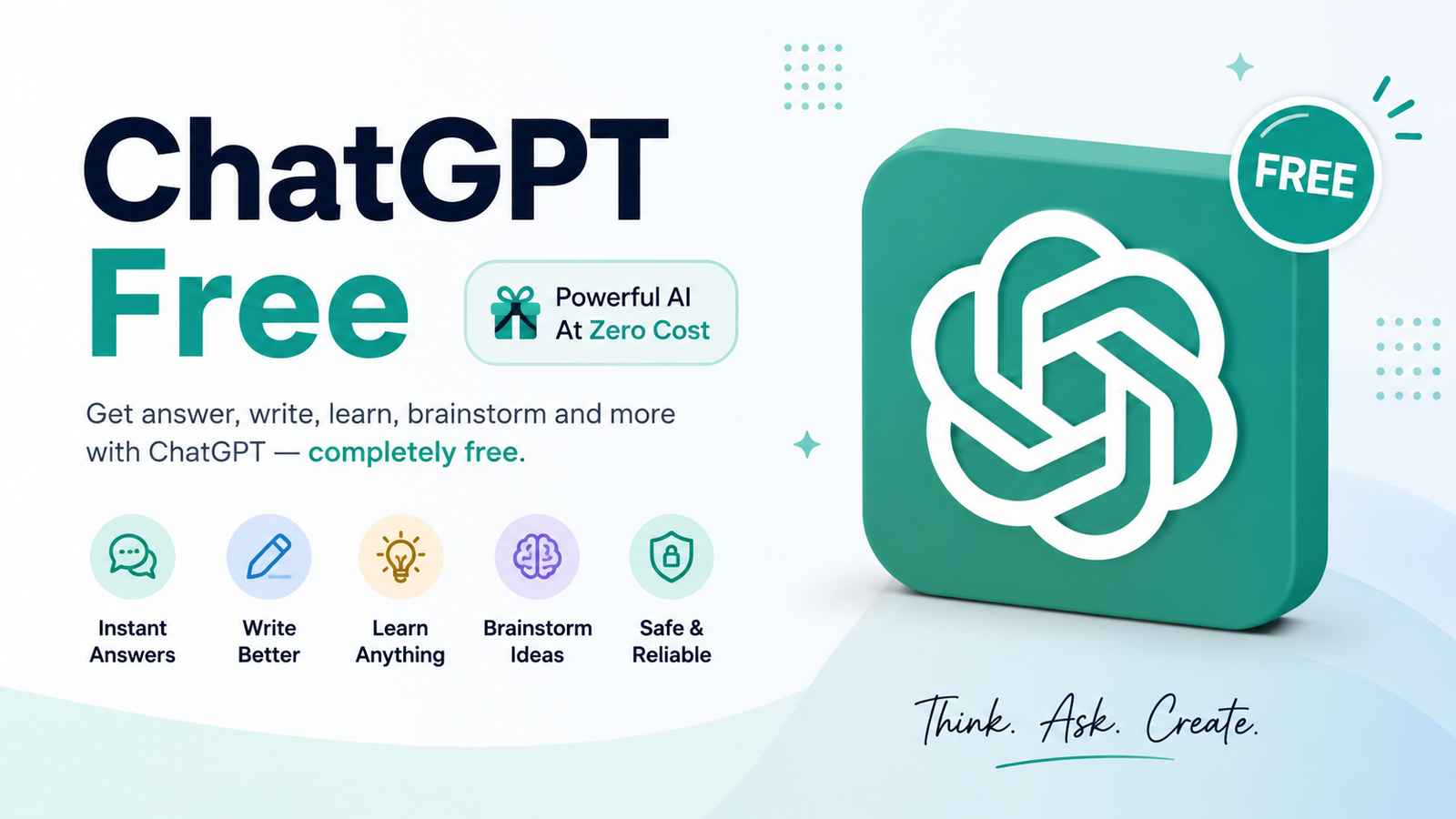
ChatGPT Free has become much more than a basic AI chatbot. You can use it to answer questions, brainstorm ideas, write and edit content, learn difficult subjects, analyze information, work with files, search the web, and create images—without paying for a subscription. OpenAI currently states that the Free tier provides access to a range of chat capabilities and tools, although specific models and usage limits can change over time.
That makes ChatGPT free access useful for students, writers, marketers, developers, researchers, and everyday users who want practical AI assistance without committing to a paid plan.
This guide explains what ChatGPT Free offers, how to get started, what its limitations are, and when upgrading might actually make sense.
What Is ChatGPT Free?
ChatGPT Free is OpenAI’s no-cost version of ChatGPT. It gives users access to AI conversations along with a selection of tools and features.
Unlike the old idea of a free chatbot that only answers simple text questions, today’s Free tier can handle a much wider range of tasks. Depending on current availability and limits, users can search the web, upload files or images, analyze data, create images, discover GPTs, and use other built-in capabilities.
The important distinction is that free does not mean unlimited access to every feature. Some advanced tools have separate usage limits, and those limits can change as OpenAI updates its services.
Is ChatGPT Free to Use?
Yes. OpenAI says the free version of ChatGPT is available to everyone.
You do not need to purchase ChatGPT Plus simply to have access to ChatGPT. Paid subscriptions are optional and mainly provide greater access to models, tools, and usage allowances.
For many people, the Free plan is enough for occasional writing, learning, brainstorming, research, coding help, and everyday questions.
The best approach is to start with Free and see whether its limits actually affect your workflow. If they do, you can then decide whether a paid plan provides enough additional value to justify the cost.
How to Use ChatGPT Free
Getting started is straightforward.
Step 1: Open ChatGPT
Go to the official ChatGPT website or use an official supported app. Avoid unofficial websites that imitate the ChatGPT interface or ask for unnecessary payment information.
Step 2: Sign in or create an account
Follow the available sign-in or account-creation options. Once you’re inside ChatGPT, you’ll see the conversation interface.
This is where searches for Chat GPT login free often lead. The important point is to use the official ChatGPT service rather than a third-party website claiming to provide free access.
Step 3: Enter your prompt
Type your question or instruction into the message box.
For example:
Explain technical SEO to a beginner in simple language and give five examples.
Step 4: Refine the answer
You don’t have to accept the first response. Ask ChatGPT to make it shorter, add examples, change the tone, explain a difficult section, or reorganize the information.
For example:
Make that explanation easier to understand and add a practical website example.
This back-and-forth conversation is one of the most useful ways to get better results.
What Can You Do With ChatGPT Free?
The range of possible uses is one of the biggest reasons people search for a ChatGPT free blog or beginner guide. Here are some of the most practical applications.
Writing and Content Creation
ChatGPT can help generate ideas, outlines, drafts, headlines, social posts, emails, product descriptions, and other content.
For SEO professionals, it can also help organize keyword clusters, identify content topics, create article outlines, and develop FAQ ideas.
However, AI-generated content should not simply be published without review. Add original information, verify facts, and make sure the final article genuinely helps the reader.
Learning and Education
Students can use ChatGPT to simplify complicated concepts, create practice questions, explain vocabulary, build study plans, or quiz themselves.
For example:
Explain photosynthesis as if I’m 12 years old, then give me five questions to test my understanding.
The key is to use ChatGPT as a learning assistant rather than blindly copying its answers.
Coding and Technical Work
ChatGPT can explain programming concepts, identify potential bugs, create example code, and help users understand unfamiliar technical terminology.
A useful prompt might be:
Explain why this Python function returns an error and show me how to troubleshoot it step by step.
Always test generated code before using it in production.
Research and Current Information
ChatGPT Free can search the web for up-to-date information, making it useful when a question depends on current events, recent developments, or changing information.
Even so, important claims should be checked against reliable primary sources. AI search can accelerate research, but it should not replace source evaluation.
Files, Images, and Data
OpenAI currently lists file and image uploads and data analysis among the capabilities available to Free users, subject to separate limits.
This can be useful when you want help understanding a document, extracting information from a file, interpreting an image, or exploring data.
ChatGPT Free Features
The exact feature set can evolve, but the current Free tier includes several useful capabilities.
Web Search
ChatGPT can search the web and provide information based on current sources. This is particularly useful for questions where older training information may not be sufficient.
File and Image Uploads
Free users can upload supported files or images within their prompts. This opens up practical workflows such as summarizing documents or asking questions about visual information.
Image Creation
ChatGPT Free also provides access to image creation, although image generation has its own usage limits.
GPTs
Free users can discover and use available GPTs. However, OpenAI’s current documentation says personal Free users cannot create and publish new GPTs.
Library
OpenAI currently lists Library with 500 MB of storage as a Free-tier capability.
Because ChatGPT’s product lineup changes regularly, users should check the current official documentation if a specific feature is important to their workflow.
What Are the Limitations of ChatGPT Free?
The biggest misconception is that every ChatGPT feature is unlimited simply because the plan costs nothing.
Free users can have separate limits for tools such as file uploads, image generation, voice, and data analysis. ChatGPT displays a notification when an applicable limit is reached.
Model usage can also be limited. Once a particular limit is reached, access may pause until the limit resets.
This means a casual user may rarely notice restrictions, while someone using ChatGPT heavily for professional work could encounter them much more often.
For that reason, avoid relying on outdated articles that promise a specific number of free prompts every day. OpenAI can change limits, models, and features over time.
ChatGPT Free vs Paid Plans
If you’re deciding whether to remain on Free or upgrade, consider how heavily you use the service.
| Factor | ChatGPT Free | ChatGPT Go | ChatGPT Plus |
| Cost | Free | Paid | Paid |
| Everyday AI chats | Available | Expanded access | Expanded access |
| File uploads | Limited | Higher access | Higher access |
| Image generation | Limited | More access | More access |
| Data analysis | Limited | Higher access | Higher access |
| Advanced model access | Limited | Expanded | Broader access |
| Best for | Casual users | Frequent users | Professionals and heavy users |
OpenAI currently describes Go as a lower-cost subscription with expanded access to features such as image generation, file uploads, data analysis, and memory. Plus provides broader model and tool access and currently costs $20 per month.
The right choice depends on your usage rather than simply choosing the most expensive option.
Who Should Stay With ChatGPT Free?
Free is a sensible choice if you:
- Ask questions occasionally
- Need help with writing or studying
- Use AI for brainstorming
- Don’t frequently hit usage limits
- Want to experiment before paying
When Should You Consider Upgrading?
An upgrade may make sense if you regularly reach limits, need higher access to tools, or depend on ChatGPT for frequent professional workflows.
Don’t upgrade just because a comparison table says a paid plan is “better.” Upgrade when the additional access solves a problem you actually have.
Best ChatGPT Free Prompts to Try
Good results usually begin with good instructions.
Writing prompt
Rewrite this paragraph in natural, professional English while preserving its original meaning.
SEO prompt
Create a topical content cluster around the keyword “ChatGPT Free.” Group the keywords by search intent and suggest supporting article topics.
Learning prompt
Teach me this topic from beginner to advanced level. Use simple explanations, practical examples, and a short quiz at the end.
Productivity prompt
Turn these tasks into a prioritized schedule based on urgency and importance.
Coding prompt
Review this code, identify potential problems, explain each issue, and suggest a corrected version.
The best prompts usually include context, audience, objective, format, and constraints.
How to Get Better Results From ChatGPT Free
You don’t need complicated prompt formulas to get useful answers.
First, explain what you’re trying to accomplish. Then tell ChatGPT who the content is for and what format you want.
For example, instead of:
Write about SEO.
Try:
Write a beginner-friendly 1,000-word guide to local SEO for small business owners. Use short paragraphs, practical examples, H2 and H3 headings, and a concise FAQ section.
You can also improve the response through follow-up instructions.
Ask it to:
- Simplify complicated language
- Add examples
- Remove repetition
- Change the tone
- Fact-check specific claims
- Convert text into a table
- Create a checklist
- Explain an answer step by step
This iterative approach is generally more effective than expecting a perfect result from one prompt.
Common ChatGPT Free Problems and Solutions
“I’ve reached my limit”
Some tools and model access have separate limits. If you reach one, ChatGPT will indicate the applicable restriction and reset information.
A feature isn’t available
Feature access can depend on the current plan, rollout, platform, account, and usage limits. Check OpenAI’s latest documentation rather than relying on an old blog post.
ChatGPT gave me an incorrect answer
AI can make mistakes. For important information, verify claims using authoritative sources, especially for legal, financial, medical, technical, or other high-stakes topics.
The response isn’t what I wanted
Don’t immediately start a new conversation. Tell ChatGPT what needs to change.
For example:
Keep the same information, but make it shorter, remove repetition, and write for a beginner.
Is ChatGPT Free Safe to Use?
ChatGPT can be useful, but responsible use still matters.
Avoid sharing passwords, financial credentials, confidential business information, or other sensitive data unless you understand the relevant privacy controls and have a legitimate reason to do so.
You should also treat AI output as something to review rather than automatically trustworthy fact.
For professional content, verify important claims, cite reliable sources where appropriate, and add genuine human expertise.
Frequently Asked Questions
Is ChatGPT completely free?
ChatGPT has a Free tier that can be used without paying for a subscription. However, some models and tools have usage limits, while paid plans provide expanded access.
Can I use ChatGPT without paying?
Yes. You can use the Free tier without purchasing a paid subscription. The available features and limits can change over time.
Does ChatGPT Free have usage limits?
Yes. Free-tier model access and several tools have limits. File uploads, image generation, voice, and data analysis can have separate limits.
Can ChatGPT Free search the web?
Yes. OpenAI currently lists web search as a Free-tier capability, allowing users to obtain more up-to-date information.
Can I upload files with ChatGPT Free?
Yes. Free users can upload supported files and images, although these capabilities are subject to usage limits.
Can I create my own GPT for free?
Current OpenAI documentation says personal Free users can discover and use GPTs but cannot create and publish new GPTs.
Should I upgrade from ChatGPT Free?
Only if the Free tier’s limits or feature restrictions interfere with your needs. If you mainly use ChatGPT occasionally, Free may be sufficient. Frequent users may benefit from the higher access available with paid plans.
Final Verdict: Is ChatGPT Free Worth Using?
For most casual users, ChatGPT Free is a practical place to start. It provides access to much more than simple text conversations, including web search, file and image capabilities, data analysis, image creation, and GPT discovery, subject to current limits.
The key is understanding the difference between free access and unlimited access. If you rarely encounter limits, there may be little reason to upgrade. If ChatGPT becomes an important part of your daily workflow, a paid plan may provide the additional access you need.
Either way, use AI as an assistant—not a replacement for judgment, fact-checking, creativity, or real expertise.
You May Also Read: ChatGPT