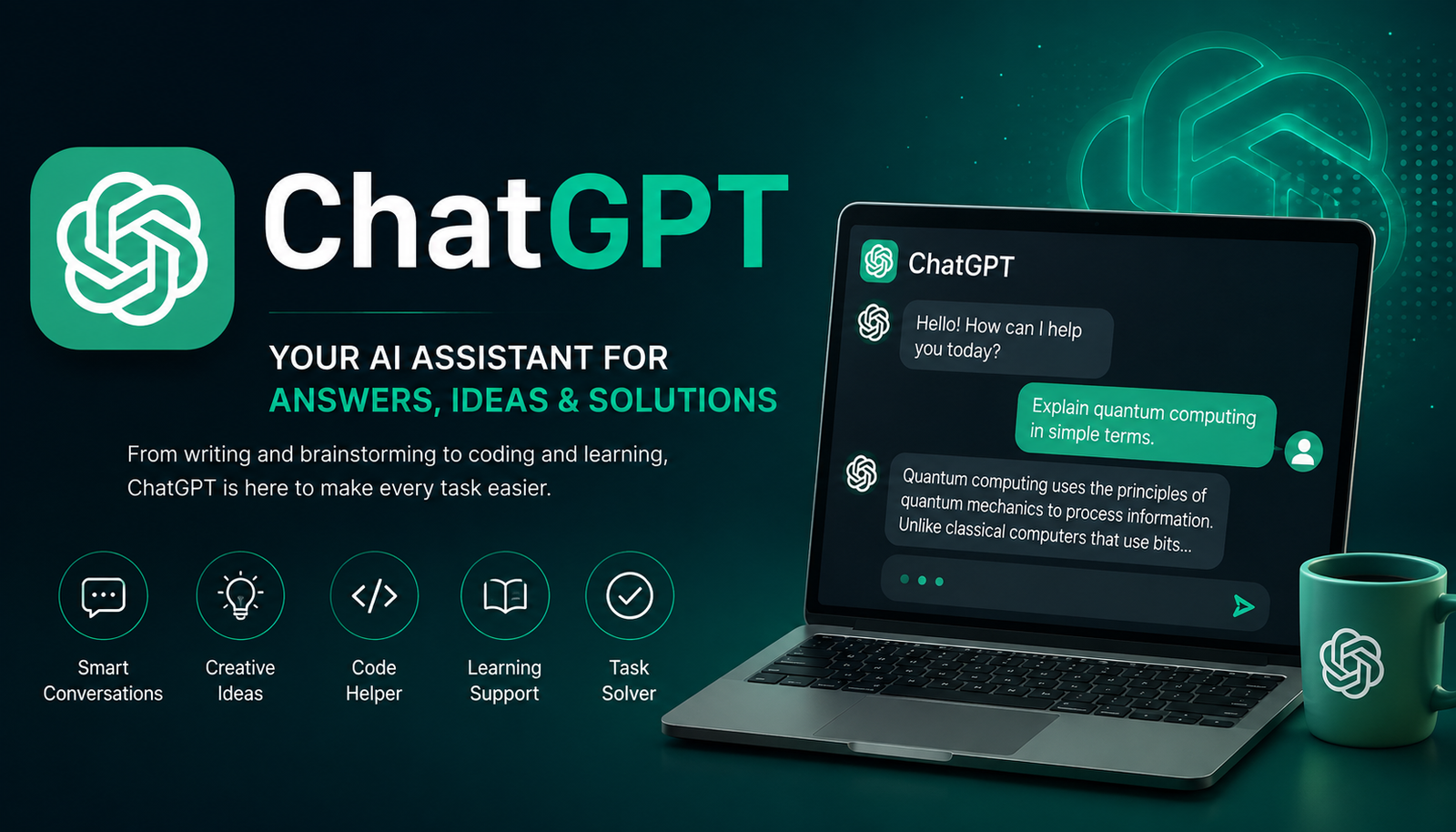
ChatGPT has quickly become one of the most recognizable names in artificial intelligence. People use it to write emails, brainstorm ideas, explain difficult subjects, analyze files, write code, research topics, create images, and solve everyday problems. But getting useful results is about more than simply typing a question and hoping for the best.
At its core, ChatGPT is a conversational AI assistant from OpenAI. It understands natural-language instructions and can respond to follow-up questions while using the context of a conversation. Its capabilities now extend far beyond the simple chatbot introduced in 2022.
Whether you are completely new to AI or already use it regularly, understanding how ChatGPT works, what it can do, and where its limitations lie will help you get much more value from it.
What Is ChatGPT?
ChatGPT is an AI assistant designed to communicate with users through natural language. Instead of learning a complicated command system, you can describe what you want in ordinary language and refine the result through conversation.
You can ask it to explain a concept, rewrite a paragraph, create a plan, analyze information, brainstorm ideas, translate text, or help solve a technical problem. OpenAI describes these as core ChatGPT capabilities, alongside tools that can expand what it does depending on the user’s plan and settings.
The important distinction is that ChatGPT is not simply a database of copied answers. It uses large language models to interpret instructions and generate responses based on the context available to it.
ChatGPT vs. a Traditional Search Engine
ChatGPT and search engines can overlap, especially because ChatGPT can use web search when that capability is available. However, the interaction is different.
| ChatGPT | Traditional Search |
| Conversational interaction | Primarily query and results based |
| Generates and transforms content | Mainly retrieves webpages |
| Can maintain context within a conversation | Usually requires separate searches |
| Can analyze uploaded files and data | Typically focuses on web resources |
| Can brainstorm, explain and rewrite | Primarily helps discover information |
| Can refine an answer through follow-up prompts | Usually requires another search |
For current facts, important decisions, or claims that need evidence, you should still verify information against reliable sources.
How Does ChatGPT Work?
You do not need a computer science degree to understand the basic idea.
ChatGPT is built on large language models that process natural-language input and generate a response. Your instruction is called a prompt, and the wording, context, examples, and constraints you provide can significantly affect the result.
For example, compare these two prompts:
Basic:
“Write about SEO.”
More useful:
“Explain SEO to a beginner in 500 words. Use three practical examples, keep the tone conversational, and focus on how search intent affects content.”
The second prompt gives ChatGPT considerably more direction. OpenAI’s current prompting guidance recommends being clear and specific, providing context, defining the desired output, and refining the response through follow-up instructions.
Why Can ChatGPT Still Make Mistakes?
AI-generated answers are not automatically correct. ChatGPT can misunderstand a question, make an incorrect inference, or provide information that requires verification.
That is why a strong workflow is:
Ask → Review → Verify → Refine → Use
For important claims, especially those involving money, law, health, safety, or current events, do not treat an AI response as the final authority.
What Can You Do With ChatGPT?
The range of possible uses is one of ChatGPT’s biggest advantages.
OpenAI currently lists capabilities including answering questions, writing and rewriting, reasoning, translation, web search, deep research, image input and generation, file analysis, data analysis, voice, memory, projects, and other tools. Availability can vary by subscription and settings.
Here are some of the most practical applications.
Writing and Editing
ChatGPT can help draft emails, articles, reports, product descriptions, scripts, social posts, outlines, and other content.
It can also rewrite existing material to make it clearer, shorter, more conversational, or better organized.
Research
ChatGPT can help organize a research question, summarize information, compare ideas, and, when search or research tools are available, investigate current information.
Deep research is designed for multi-step research tasks and can synthesize information from multiple online sources into structured, cited results.
Coding
Developers and beginners can use ChatGPT to explain code, identify potential bugs, generate examples, write documentation, and reason through programming problems.
It should still be treated as a coding assistant rather than an automatic guarantee that generated code is secure or production-ready.
Data Analysis
ChatGPT can work with supported files and structured data to help identify trends, summarize datasets, clean information, and create visualizations.
Images and Files
Depending on the available tools and plan, users can upload documents, images, charts, and other files for analysis. ChatGPT can also generate or modify images using natural-language instructions.
How to Start Using ChatGPT
Getting started is straightforward.
- Open ChatGPT.
- Enter a question or instruction.
- Review the response.
- Ask a follow-up question.
- Refine the output until it meets your needs.
OpenAI’s current getting-started guidance recommends beginning with a prompt and then improving the conversation by adding details or asking follow-up questions.
You can start with something simple:
“I run a small online store. Give me five practical ways ChatGPT could help me save time this week, with one prompt for each.”
The more relevant information you provide, the easier it is for ChatGPT to tailor the response.
How to Write Better ChatGPT Prompts
Good prompts are less about using complicated “magic words” and more about giving useful instructions.
A simple framework is:
Task + Context + Audience + Constraints + Format
For example:
“Create a 700-word beginner guide to technical SEO for small business owners. Use a friendly but professional tone, include five examples, avoid unnecessary jargon, and finish with a short checklist.”
This is much more useful than:
“Write about technical SEO.”
Five Prompting Tips
Be specific about the task. Tell ChatGPT exactly what you need.
Provide context. Explain your audience, business, project, or situation.
Set constraints. Include word count, tone, format, reading level, or other requirements.
Show an example. If you want a particular style or structure, provide a sample.
Refine the response. You do not have to start a new conversation every time something needs changing.
Using ChatGPT for Content Creation
ChatGPT can be especially useful for content workflows, but publishing its first response without editing is rarely the best approach.
A better process looks like this:
Research → Content brief → Outline → Draft → Human expertise → Fact-check → Edit → Publish
Start by defining the audience and purpose. Then use ChatGPT to brainstorm topics or organize your ideas into an outline.
Once you have a draft, use it for revision rather than treating it as finished work. Ask it to identify repetition, unclear sections, weak transitions, or places where additional evidence is needed.
Most importantly, add something the model cannot automatically manufacture on your behalf: your genuine experience.
That might include an original example, customer insight, test result, expert opinion, case study, or lesson learned from doing the work yourself.
Can ChatGPT Replace Human Writers?
Not completely.
ChatGPT can speed up research, brainstorming, drafting, editing, and many repetitive writing tasks. But human judgment remains important for accuracy, originality, brand voice, experience, editorial decisions, and sensitive subjects.
A useful approach is to treat AI as a writing partner, not an automatic publishing machine.
ChatGPT for SEO and Digital Marketing
SEO professionals can use ChatGPT throughout the content process.
It can help with:
- Search-intent classification
- Content outlines
- Keyword clustering
- Content briefs
- Title ideas
- Meta-description drafts
- FAQ ideas
- Internal-link suggestions
- Content refreshes
- Competitor-content analysis
- Audience research
- Content ideation
For example, instead of asking:
“Give me keywords for a travel website.”
Try:
“Group these keywords by search intent and identify which belong on commercial landing pages, informational articles, comparison pages, and destination guides.”
The important point is that ChatGPT should support SEO strategy rather than replace actual keyword research, SERP analysis, first-party data, or professional judgment.
ChatGPT for Students
Students can use ChatGPT as a learning assistant in several ways.
It can explain difficult concepts in simpler language, create practice questions, generate study plans, summarize notes, help with brainstorming, and support language learning.
A useful prompt is:
“Explain photosynthesis as if I am 13 years old. Then give me five questions to test whether I understood it.”
That approach encourages learning instead of simply requesting an answer.
Students should also follow their school’s rules regarding AI use and avoid presenting AI-generated work as their own where that is prohibited.
ChatGPT for Business and Work
Businesses can use ChatGPT for everyday knowledge-work tasks such as drafting communications, organizing ideas, analyzing information, creating reports, planning projects, and preparing documents.
For example, a manager could provide meeting notes and ask ChatGPT to turn them into:
- Key decisions
- Assigned tasks
- Deadlines
- Open questions
- A concise follow-up email
Current ChatGPT capabilities also include working with files, data, connected apps, and other tools depending on the user’s environment.
For organizations, privacy, permissions, security policies, and the specific plan being used should be considered before uploading sensitive information.
ChatGPT’s Advanced Capabilities
Modern ChatGPT is considerably broader than the original chatbot launched in 2022. OpenAI’s current documentation lists tools and modes such as web search, deep research, image generation and analysis, file uploads, data analysis, voice, memory, projects, and custom GPTs.
OpenAI has also continued to develop more capable GPT models and workflows. Its 2026 releases describe advances in reasoning, coding, research, professional work, and agentic tasks.
Because features and model availability change frequently, it is better to check the current OpenAI documentation or your ChatGPT model picker than rely on an old list of features.
ChatGPT Free vs. Paid Access
ChatGPT has a free tier, while paid plans can provide additional access, higher limits, or additional capabilities depending on the current plan.
| Consideration | Free Access | Paid Access |
| Basic ChatGPT use | Available | Available |
| Usage limits | More limited | Generally higher |
| Advanced models/tools | Availability varies | More access depending on plan |
| Professional workflows | More limited | Broader access may be available |
| Best for | Casual and occasional use | Frequent or advanced users |
Plan features and limits can change, so users should check the current official plan information before purchasing.
ChatGPT Limitations You Should Know
ChatGPT is powerful, but knowing what it cannot guarantee is just as important as knowing what it can do.
It can produce incorrect information, misunderstand instructions, or give an answer that sounds convincing without being sufficiently supported.
It can also produce a technically polished piece of writing that lacks original insight.
The best safeguard is human review.
For important information, identify the factual claims, verify them against reliable sources, check dates and numbers, and make sure the final conclusion actually fits the evidence.
How to Fact-Check a ChatGPT Answer
Use this simple process:
- Identify claims that matter.
- Check whether they are current.
- Look for primary or authoritative sources.
- Compare important claims with independent evidence.
- Correct unsupported statements.
- Add your own professional judgment.
This is especially important when using ChatGPT for SEO, journalism, finance, education, business decisions, or technical documentation.
How to Recognize Low-Quality AI Content
Not every AI-generated article is bad, and no writing characteristic can definitively prove that a piece was created by ChatGPT.
However, low-quality AI-assisted content often contains recognizable problems:
- Generic introductions
- Repetitive ideas
- Unsupported claims
- Predictable examples
- Excessive filler
- No first-hand experience
- Weak sourcing
- A voice that does not match the brand
- Lots of words without much useful information
The solution is not simply to “make AI writing sound human.” The better approach is to add genuine expertise, evidence, original examples, and useful information that readers cannot get from a generic generated response.
Common ChatGPT Mistakes to Avoid
One of the easiest ways to get poor results is to expect ChatGPT to understand everything without sufficient context.
Avoid these common mistakes:
- Giving vague instructions.
- Providing no audience information.
- Asking for a huge task without defining the outcome.
- Publishing raw AI output.
- Assuming every factual statement is correct.
- Ignoring your own expertise.
- Using repetitive prompts without refining them.
- Uploading sensitive information without understanding the applicable privacy controls.
- Treating AI-generated code as automatically safe.
- Optimizing content for search engines at the expense of readers.
The strongest users don’t necessarily write the longest prompts. They provide the right context.
Frequently Asked Questions About ChatGPT
What is ChatGPT used for?
ChatGPT can help with writing, brainstorming, studying, planning, coding, research, translation, data analysis, file analysis, image-related tasks, and many other everyday activities.
Is ChatGPT free?
Yes. OpenAI provides free ChatGPT access, although available models, tools, and usage limits can vary by plan and can change over time.
Can I use ChatGPT without logging in?
In supported regions, ChatGPT can be tried without creating an account. Logged-out use has fewer persistence features, and conversations may not be saved in the same way as signed-in chats.
Can ChatGPT search the internet?
Yes, ChatGPT can use web search when the capability is available. This is particularly useful for current or unfamiliar information, although important claims should still be checked.
Can ChatGPT write articles?
Yes. It can help brainstorm, outline, draft, rewrite, and edit articles. For high-quality publishing, human review, original expertise, fact-checking, and editorial judgment remain important.
Is ChatGPT always accurate?
No. ChatGPT can make mistakes or misunderstand information. For important decisions and factual claims, verify the response against reliable sources.
Can ChatGPT replace human expertise?
It can automate or accelerate many tasks, but it does not eliminate the need for human judgment. The best results usually come from combining AI assistance with relevant knowledge, experience, review, and verification.
Conclusion
ChatGPT is best understood as a flexible AI assistant rather than a magic answer machine. Its usefulness comes from how well you combine its capabilities with clear instructions, relevant context, critical thinking, and human expertise.
You can use it to write, study, research, code, analyze information, brainstorm, and automate parts of everyday work. But the strongest results come when you review what it produces instead of blindly accepting it.
If you are new to ChatGPT, start with one real task you already perform. Give the assistant clear context, review its response, ask follow-up questions, and improve the result. That simple workflow can turn ChatGPT from an interesting chatbot into a genuinely useful tool.
You May Also Read: Kyle Rittenhouse Net Worth